Snapshots vs Backups
Snapshots vs Backups: Key Differences
Snapshots
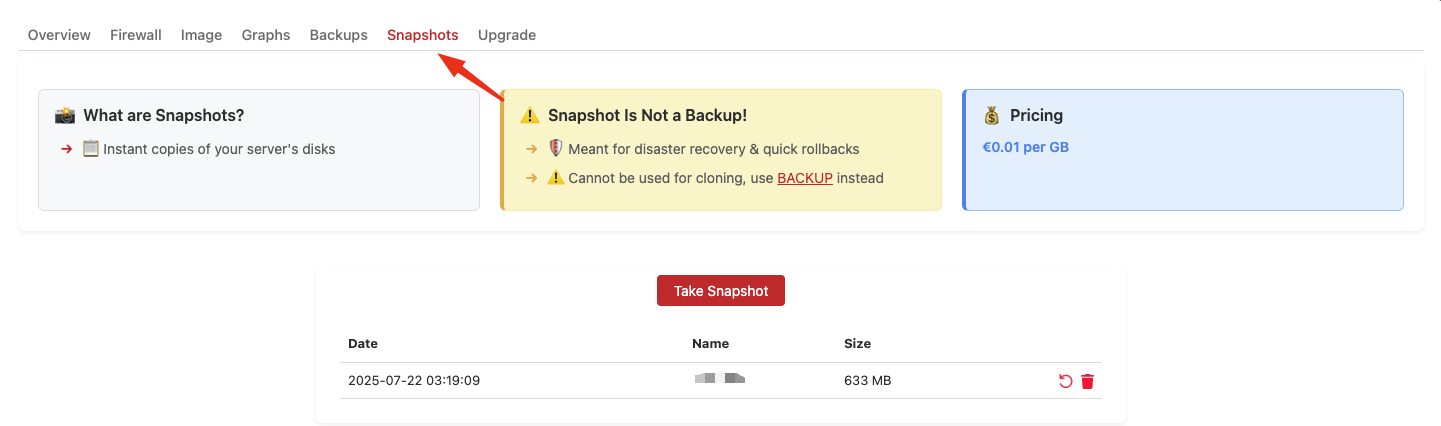
Local Filesystem Snapshots
- Local filesystem snapshots stored on the same physical node
- Instant creation - takes seconds to create
- Node-specific - cannot be moved or cloned to other nodes
- Purpose: Quick rollback points for testing or temporary changes
- Limitation: Tied to the local storage of the specific node
- Cost: 10% of the VM price, billed hourly
Backups
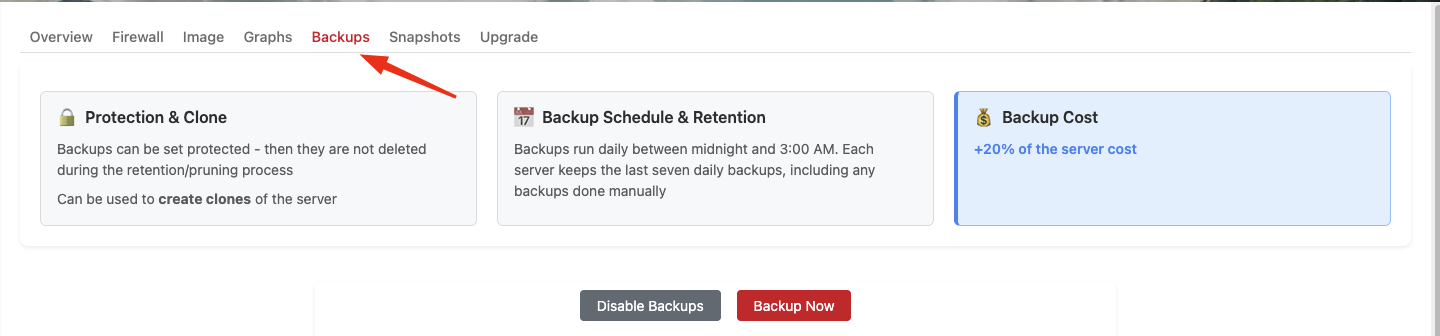
Centralized Backup Storage
- Complete VM images stored in centralized backup storage
- Cluster-wide availability - accessible from any node
- Portable - can be used to restore or clone VMs anywhere in the cluster
- Purpose: Disaster recovery, long-term storage, and VM cloning
- Advantage: Not tied to any specific node's local storage
- Cost: 20% of the VM price, billed hourly
- Schedule: Backups run automatically every night
- Retention: We keep the 7 most recent backups; older ones are rotated out automatically. Seven rotating backups is what we guarantee.
- Protected backups: Backups you mark as protected are excluded from rotation. As a courtesy, and only when we have the resources, we may keep up to 3 protected backups on top of the 7 rotating ones (so up to 10 in total). This is a courtesy rather than an obligation and is subject to change.